
Currency Converter Calculator
Convert currencies using the latest available daily reference rate or a manual rate. Compare fees and spreads, check the observation date, and review historical daily rates.
Calculator Inputs
Daily reference + manual modeAutomatic rates come from Frankfurter’s daily reference data. Check the displayed rate date; this is not a real-time trading feed. If a rate is unavailable, use manual mode with a rate from a source you trust.
30-Day Rate Trend
Click Load 30-Day ChartQuick Popular Conversions
One clickConversion Breakdown
Transparent calculation| Item | Value | Meaning |
|---|---|---|
| No calculation yet. | ||
Smart Money Tips
Save on exchangeWhy Use This Currency Converter?
FeaturesDaily Reference Rates
Get the latest available market reference rates for common global currencies.
Fee Calculator
Add bank spread, exchange-shop margin, transfer fee, or card fee to estimate real received amount.
Historical Rates
Select a past date to check older rates and compare changes over time.
Convert a reference rate into a useful estimate
Use this converter to estimate a currency amount and compare the effect of a provider’s spread and fixed fee. The result is a planning estimate. Before exchanging money, compare it with the final amount and charges quoted by your bank or transfer provider.
Where the rate comes from
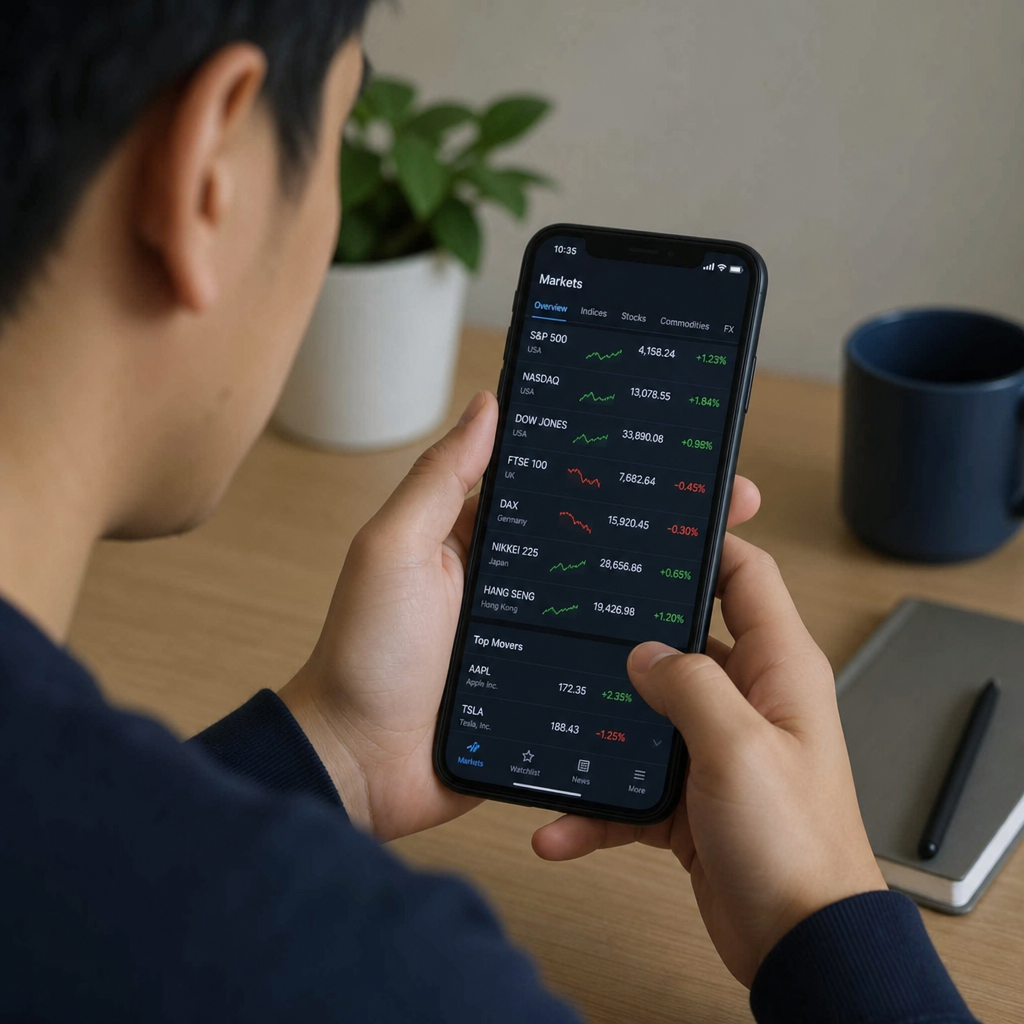
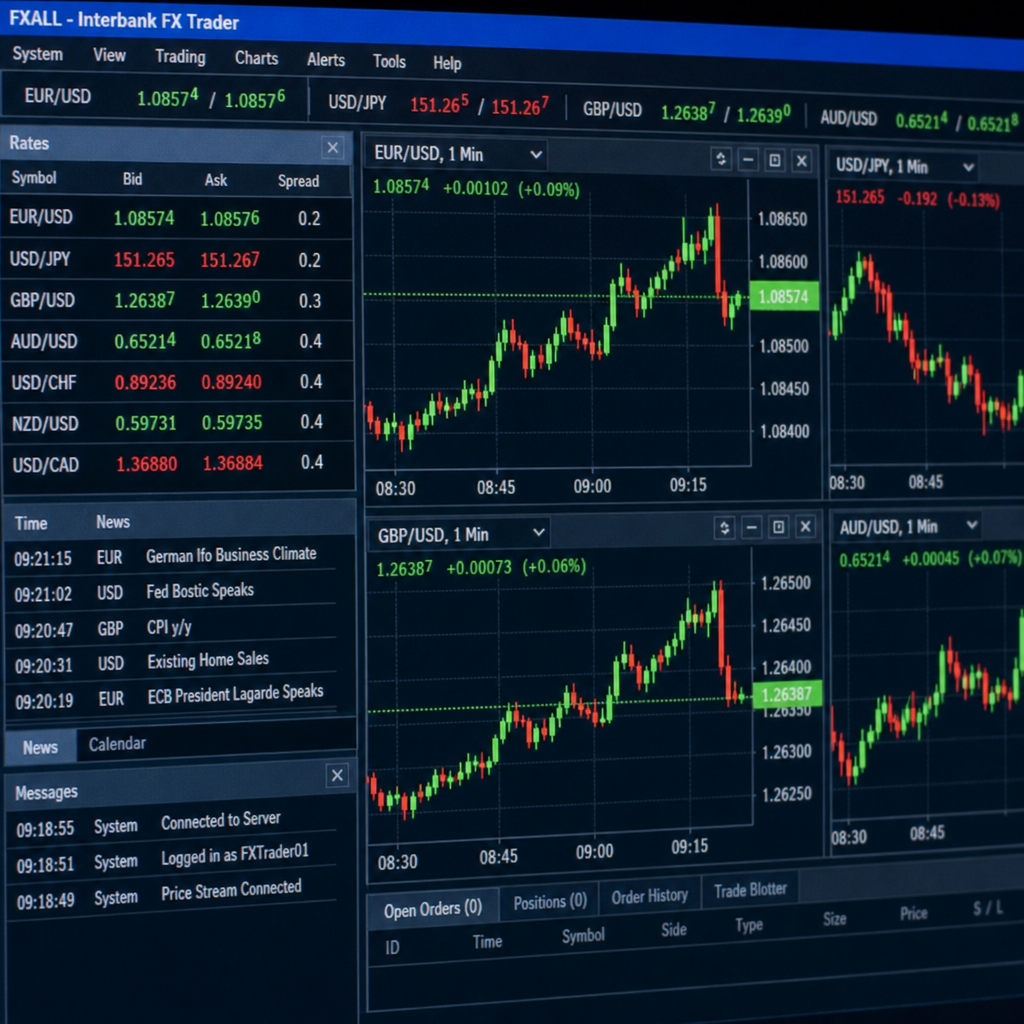
The automatic mode uses Frankfurter exchange-rate data, which tracks daily rates from central banks and official sources. This is not a real-time trading feed. The displayed rate date identifies the observation used; a successful request today does not mean the underlying rate was published today.
Publication schedules and available dates depend on the source. On weekends and holidays, the latest available daily observation can be older than the current date. Historical availability also varies by currency and source. Check the displayed date whenever timing matters.
How the calculation works
With no fees, converted amount = amount × exchange rate. A rate of 0.90 EUR per USD converts 1,000 USD to 900 EUR. This is an invented rate for explaining the arithmetic, not a current quote.
The spread field models a percentage reduction in that rate: effective rate = reference rate × (1 − spread ÷ 100). At a 2% spread, 0.90 becomes 0.882 EUR per USD.
The fixed-fee field uses the currency you are converting from. Choose the fee treatment that matches the provider’s quote:
- Deduct before conversion: a 5 USD fee leaves 995 USD to convert. At 0.882 EUR per USD, the estimated receipt is 877.59 EUR, and the total amount paid is 1,000 USD.
- Add to total cost: all 1,000 USD is converted, giving 882.00 EUR. The 5 USD fee raises the total cost to 1,005 USD.
In the first example, the difference from the 900 EUR fee-free reference is 22.41 EUR. Do not add the deducted fee a second time when comparing costs. This simplified percentage-spread model may differ from a provider’s actual pricing method.
How to compare two providers
- Use the same source currency, destination currency and amount.
- Record the reference-rate date so you know what you are comparing.
- Enter each provider’s quoted exchange rate in manual mode, or enter an estimated spread against the same reference rate.
- If a quoted rate already contains the provider’s spread, set the separate spread field to zero to avoid counting it twice.
- Add the provider’s fixed fee in the source currency and choose whether it is deducted or charged separately.
- Compare both the amount received and total amount paid. Include any recipient or intermediary charges that are not represented here.
Currency converter questions

Are these live exchange rates?
The automatic mode retrieves the latest available daily reference rate from Frankfurter. It does not stream intraday market prices, and the reference rate is not a guaranteed transaction rate.
Why does my bank offer a different amount?
Your bank may use a different rate, apply a spread or charge fees. The relevant comparison is the full amount you pay and the amount the recipient receives, measured at the same time.
Can I use a rate from a particular date?
Choose historical mode, select the date and check the date returned with the result. A requested observation may be unavailable. For records requiring a specific official rate, verify the required source and date independently.
What if the automatic rate does not load?
Try again or use manual mode with a rate you obtained from a source you trust. Manual rates are supplied by you; they are not verified against the market by CalcRange.
Is the reverse rate the rate I will get when exchanging back?
The mathematical reverse is 1 divided by the forward rate. A provider’s buying and selling rates can differ, and another transaction can incur another fee.
Does the chart predict the next exchange rate?
No. It shows historical observations that were available from the data source. It does not predict future changes or identify a best time to trade.
Read our editorial policy or report an error.