 Skip to content
Adhan is the call to prayer. Iqamah is the call immediately before the congregational prayer begins. On a mosque timetable, the prayer’s beginning time and the congregation’s scheduled time can therefore be different.
If you are using the Prayer Times Calculator to plan your day, treat its calculated timetable as a starting point. For the time of a particular congregation, check the mosque’s own current iqamah or jamaah schedule.
What the timetable headings mean
| Heading | What to check |
|---|---|
| Begins or start | The listed beginning of that prayer’s time |
| Adhan or azan | The mosque’s listed call-to-prayer time |
| Iqamah or jamaah | The scheduled congregational start |
| Khutbah | The announced sermon time, where listed |
Read the legend rather than assuming every mosque uses the same headings. Some show separate beginning and congregation columns; others publish an adhan time with a note explaining the iqamah interval.
A practical timetable example
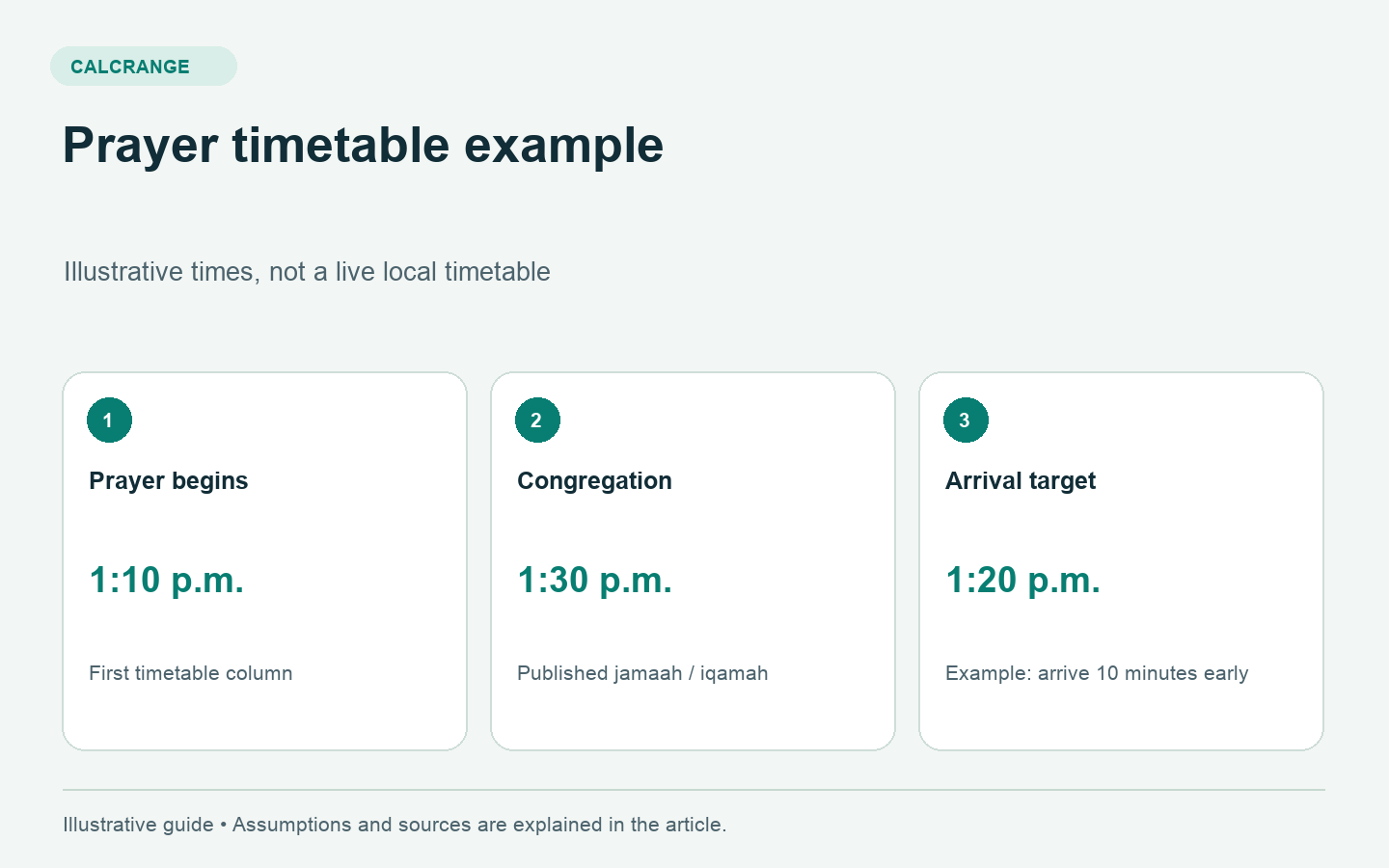
Suppose a mosque’s current notice gives a prayer beginning at 1:10 p.m. and its congregation at 1:30 p.m. The interval is 20 minutes. If you decide you want to arrive 10 minutes before the congregation, your arrival target is 1:20 p.m.
With a 15-minute journey, the simple departure calculation is 1:20 − 0:15 = 1:05 p.m. Allow additional time for anything your own journey needs. These invented times illustrate planning arithmetic; they are not today’s prayer times for any location.
The three times answer different questions: when the prayer period begins, when this congregation starts and when you need to leave. A calculator that supplies the first cannot automatically know the other two.
Why the gap is not a universal number
A mosque sets and publishes its congregational arrangements. Do not take the interval you observed for one prayer or one mosque and apply it to every other timetable.
For example, East London Mosque’s prayer information explains that congregational prayers are held at specified timetable times, and its displayed schedule distinguishes beginning and jamaah columns. That is direct evidence of how one mosque presents the distinction, rather than a rule requiring every mosque to use the same interval.
How to use a calculator and a mosque timetable together
- Select the correct location and date in the calculator.
- Check the calculation method and other relevant settings against the local timetable’s explanation.
- Open the mosque’s current schedule and find the column for the congregation you want to attend.
- Confirm the date and whether the times use a 12-hour or 24-hour clock.
- Use the mosque’s announced congregational time to plan your arrival.
Keep the two sources labelled. A screenshot called only “prayer time” can become confusing later if it actually shows the beginning time rather than the congregation.
Friday and special schedules need a separate check
A mosque may publish a sermon time, one or more Friday congregations or a separate special-event schedule. Do not infer those details from the ordinary daily Dhuhr entry in a general calculator. Read the specific announcement and check which time refers to the sermon and which to the prayer.
Similarly, opening hours and access arrangements are separate from a calculated prayer time. If you are visiting an unfamiliar mosque, check its own visitor information alongside the timetable.
When two numbers still disagree
First check the date, location, daylight saving setting and the column headings. Then look for a published explanation of the mosque’s method or adjustments. If the purpose is attending its congregation, confirm the announced time directly with that mosque.
This guide explains timetable reading and an example calculation. It does not decide religious rulings about prayer validity, permissible delays or which calculation method your community should follow. Bring those questions to a qualified local scholar or the mosque.
Use the Prayer Times Calculator to compare the calculated daily schedule, then use the local mosque’s current timetable for congregation planning.