
For destination prayer times when travelling, first establish where you will be and which local date you need. A timetable saved for home does not become a destination timetable just because your phone’s clock changes. Location, date, timezone and calculation settings all need to refer to the same place and day.
This is a practical destination-timetable checklist, not a ruling about shortening or combining prayers, travel distance or the duration of traveller status. For those questions, follow qualified guidance appropriate to your circumstances. The Prayer Times Calculator provides estimates from AlAdhan; verify them against a trusted local mosque or authority.
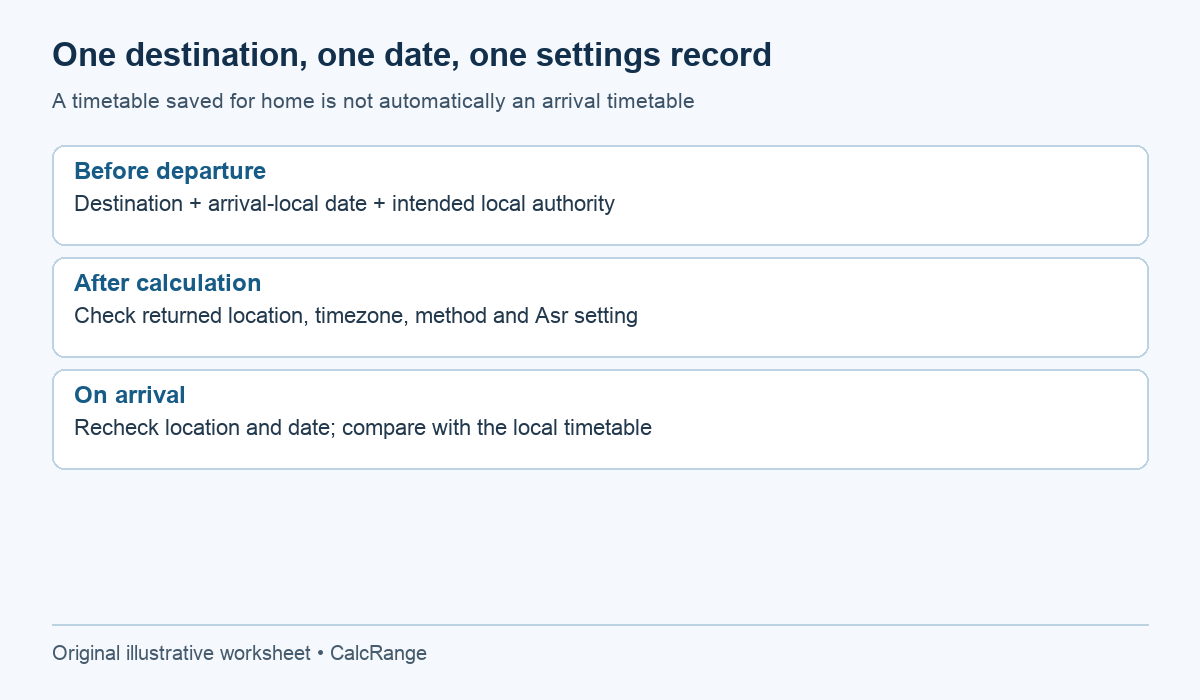
Table of Contents
1. Choose the location for destination prayer times
Enter the destination country and city, adding its state or region where the name is ambiguous. Do not assume the first city with a familiar name is the intended one. Check the location returned beside the results before reading the prayer cards.
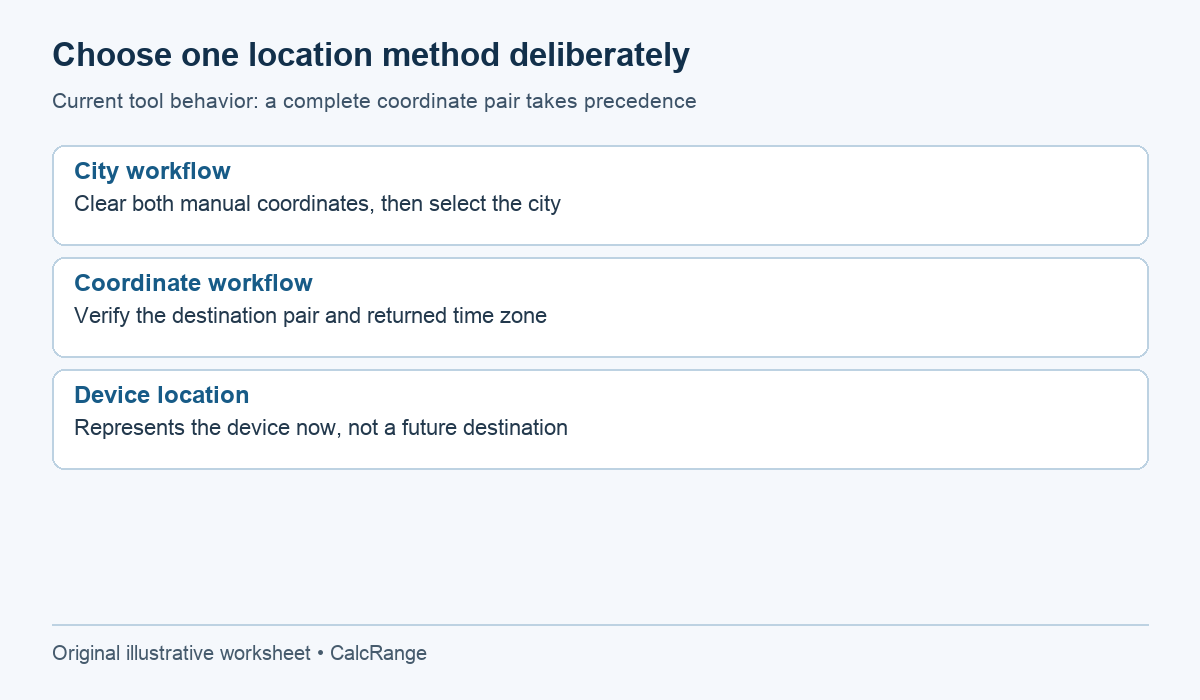
The current tool also accepts latitude and longitude. When both coordinate fields are filled, they take priority over the city fields. This can be useful for an exact location, but old coordinates can silently keep a previous destination active even after you type a new city.
Before a new search, either clear the old coordinates or replace both with the intended destination coordinates. Preserve minus signs where appropriate. A missing negative sign can move a coordinate to the opposite side of the equator or prime meridian; a plausible-looking time is not proof that the location was correct.
2. Choose the local date for destination prayer times
Suppose a flight leaves City A late on Friday and reaches City B on Saturday morning. You need City B’s Saturday timetable for arrival planning, even if it is still Friday at home when you search. Treat the itinerary dates as local dates as stated by the transport provider.
Write the intended calendar date beside the destination before calculating. The current monthly table follows the selected date’s month. If arrival crosses into a new month, selecting the home departure month may produce a neatly formatted table for the wrong period.
| Planning question | Record | Check |
|---|---|---|
| Where will I be after arrival? | Destination city and country | Matches returned location |
| What date is arrival locally? | Saturday’s full calendar date | Matches itinerary and selected date |
| Which timetable do I need? | Destination’s arrival-day timetable | Not the departure city’s Friday result |
| Who supplies local guidance? | Named mosque or authority | Current timetable for that place |
This example intentionally contains no invented prayer times. Actual times require the actual location, date and settings. An aircraft in transit is also not stationary at either endpoint; a destination calculator alone does not resolve in-flight religious or timing questions.
3. Check the returned timezone instead of adding a guessed offset
The calculator’s timezone comes from the prayer-time service; it is not a manual override field. Read the returned timezone and compare it with the destination context. Do not add the home-to-destination clock difference to times that are already expressed locally.
A fixed offset remembered from another trip may be wrong on a different date because civil-time rules can change seasonally or by jurisdiction. For an actual journey, verify the current destination clock using an authoritative time or transport source. This guide does not assume a permanent offset for any city.
If the timezone or location looks wrong, correct the location input first and calculate again. Do not use manual prayer-minute adjustments to disguise a multi-hour timezone mismatch. Those controls change individual times; they do not fix the underlying geographic search.
4. Match the method used for destination prayer times
AlAdhan’s API documentation identifies separate parameters for date, location, calculation method and Asr school. Its calculation-method reference explains that named methods use different conventions. A country selected in the form does not by itself prove which convention a particular mosque follows.
In the current CalcRange form, choose the named method and the appropriate Asr setting. Record midnight mode and any manual offsets too. Leave offsets at zero unless you have a documented correction from the timetable you are following.
If two sources differ, compare like with like before declaring one inaccurate. Our guide to differing prayer times explains the method and Asr distinctions. The purpose is to identify the actual convention, not to try settings until a preferred time appears.
The service has high-latitude parameters, but the current form does not expose a separate high-latitude-rule selector. If visiting a place with unusual seasonal twilight, confirm how the returned timetable handles it and follow the local authority. See the high-latitude comparison guide rather than assuming the city field alone settles the issue.
5. Repeat the location check on arrival
“Use My Location” requests the device’s current position. Before departure, that is normally your current location, not the future destination. On arrival, it can provide a useful second check if permission and location accuracy are appropriate, but still inspect the returned place and date.
Changing a phone clock does not prove that all location fields changed. Likewise, a saved screenshot remains a record of its original inputs. If your itinerary changes to another city, calculate a fresh timetable rather than relabeling the old image.
The current next-prayer display is based on the requested result and destination timezone. It is not a continuously refreshed clock. Recalculate when you need an updated interval, and request tomorrow’s actual timetable after the final prayer rather than extrapolating today’s times.
Three destination prayer times checks before using the result
Check 1: remove stale coordinates from a previous destination
Imagine that you first entered coordinates for Destination A, then later selected Destination B in the city menu. If both coordinate fields remain populated, the current calculator uses that coordinate pair. Changing the city label alone is therefore not enough to establish that the calculation moved to the new destination.
For destination prayer times, use one location method deliberately. For a city-based check, clear both manual coordinate fields and select the intended city. For a coordinate-based check, verify the pair for the actual destination and read the returned location and time-zone information. Do not combine a familiar city name with coordinates copied from a different saved example.
When arranging a future trip, “my location” refers to where the device is now if permission and location services succeed. It does not discover where you plan to stay later. If the displayed result does not identify the intended destination, resolve that mismatch before interpreting individual prayer times.
Check 2: use the destination’s calendar date for the planned event
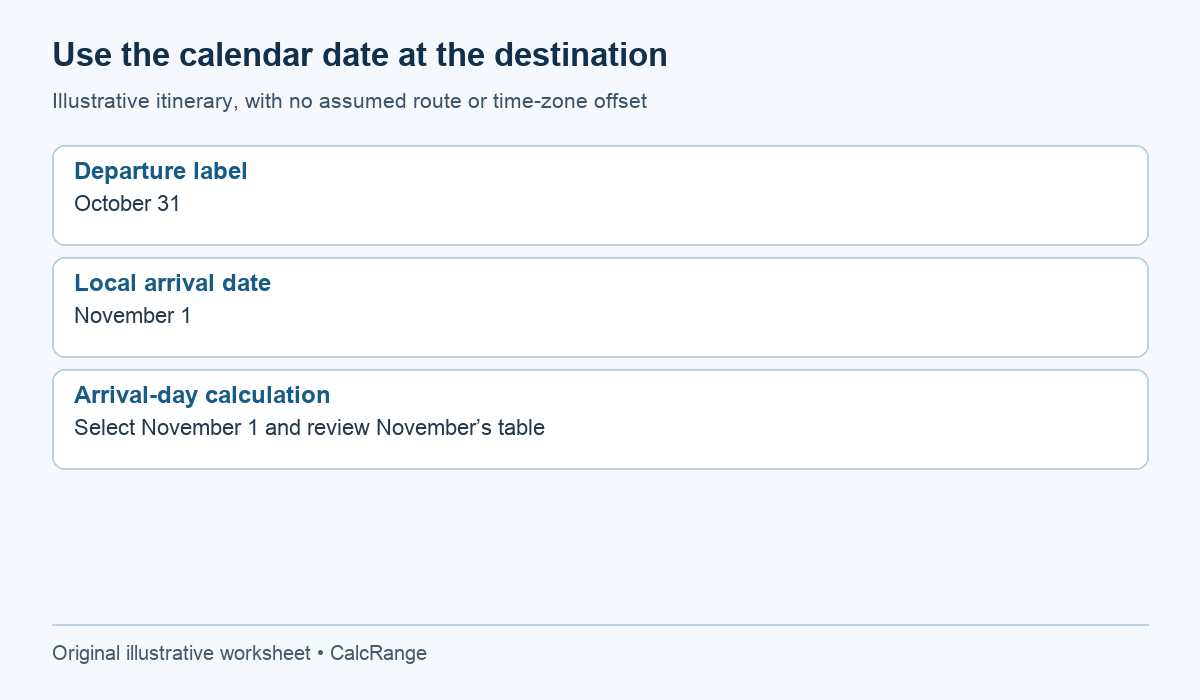
A journey can cross a date boundary or reach its destination after local midnight. Write the intended destination date as a complete date before calculating. A travel itinerary’s departure date and the local date of the event you are checking may differ.
For example, suppose an itinerary labels departure as October 31 and arrival as November 1 in the destination’s local calendar. To plan a destination event on arrival day, inspect November 1, not the departure day simply because it is printed first on the itinerary. This is a date-label example, not a claim about a particular route’s current time-zone offsets.
The monthly table also follows the selected date’s month. If your travel dates span October and November, view both months deliberately rather than treating the last row of one table as a rolling forecast for the next month. Keep the destination and method settings consistent while changing only the date.
A useful destination prayer times note includes destination, full local date, returned time zone, method and any manual adjustments. That small record makes a later comparison reproducible. A screenshot showing only times may omit the setting that explains why two tables differ.
Check 3: do not use a minute adjustment to hide a location or zone error
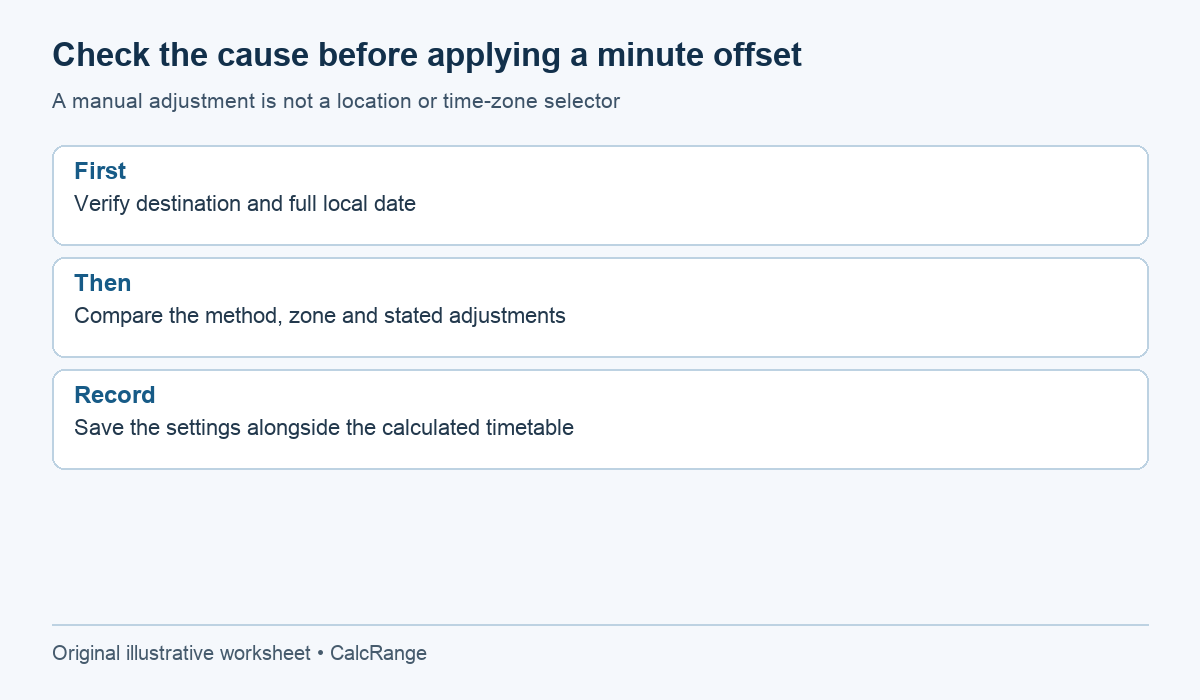
A manual offset changes a displayed prayer time by the number of minutes entered. It is not a replacement for selecting the correct destination or checking the returned time zone. If an entire table appears unexpectedly shifted, first verify the location and date before applying a blanket adjustment.
Compare destination prayer times with a local timetable using matching inputs. Record the same date, destination, calculation convention and any stated adjustments. If those inputs differ, a difference in the resulting times does not yet show that either calculation is wrong. Keep the comparison questions separate so that one adjustment does not conceal several mismatches.
For saved destination prayer times, note when it was generated and what it is intended to support. The current next-prayer display is not a continuously updating substitute for checking the relevant day’s timetable. After the last prayer shown for a selected day, obtain the next day’s schedule rather than carrying forward a time by assumption.
For travel-related questions about combining or shortening prayers, or about high-latitude practice, seek the guidance you follow from a qualified local authority. These setting checks improve the reliability of the input record; they do not decide a religious ruling. Preserve that boundary when sharing a calculated table with another traveller.
6. Save destination prayer times settings someone else can verify
Keep the destination, full date, returned timezone, method, Asr choice, midnight setting and manual offsets with the result. Also note the source and date of the local timetable used for comparison. A list of clock times without those fields is difficult to audit later.
If there is a disagreement, compare one field at a time. A consistent hour-scale difference suggests checking timezone or date; a difference confined to particular prayers suggests reviewing method or individual adjustments. These are troubleshooting prompts, not a diagnosis of every possible discrepancy.
Finally, keep timetable calculation separate from travel rulings. A correct local clock time does not decide whether your journey qualifies for concessions or how you should apply them. Use the calculator to organize location-based information, then take religious questions to a qualified scholar or trusted local authority.